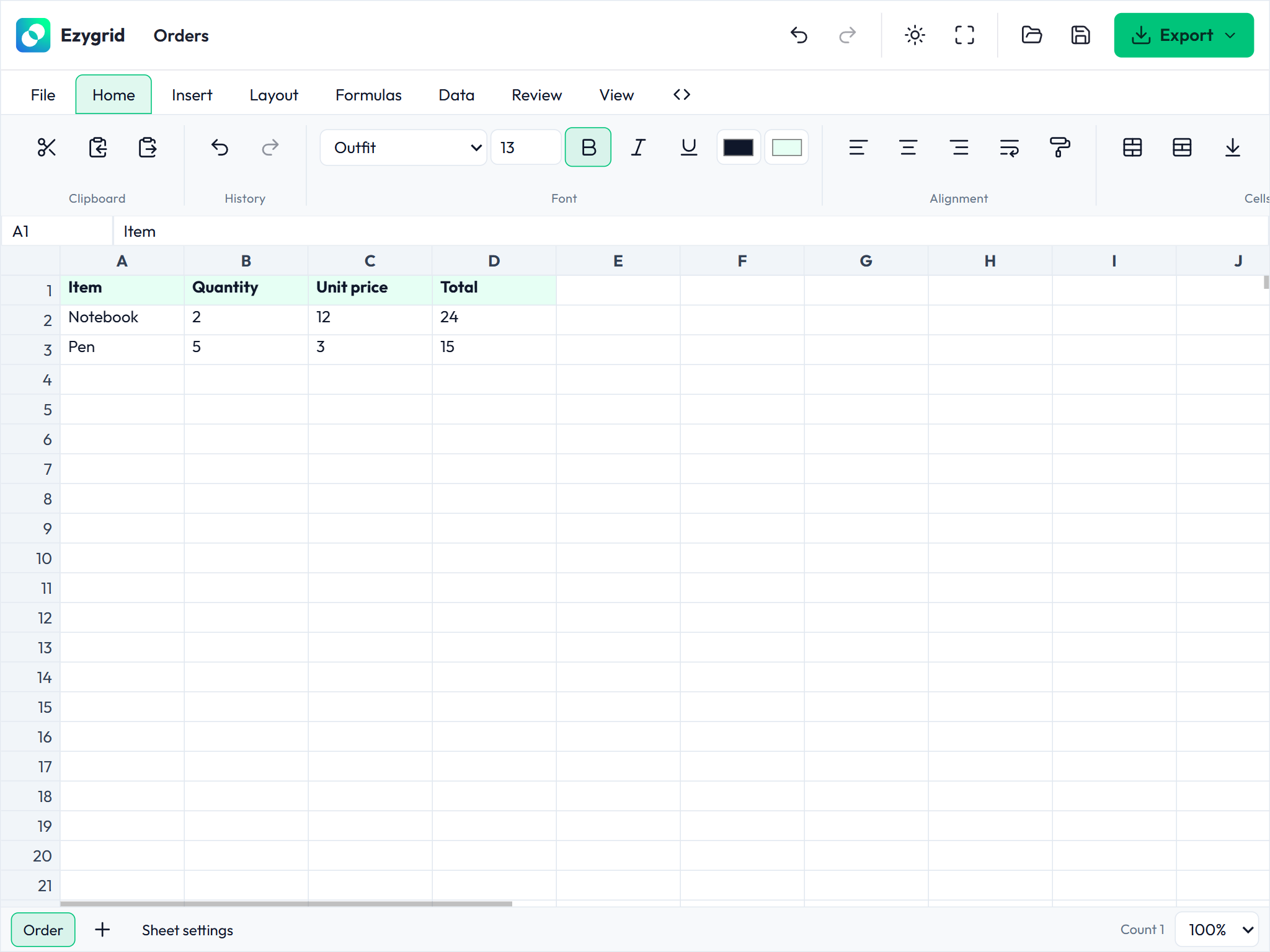
Embedding a spreadsheet inside a web application sounds simple until you try it. Whether it's a budgeting tool, a reporting dashboard, or an inventory system, the usual options all come with a catch: heavyweight SaaS embeds, per-seat licensing, framework lock-in, or a grid that cannot even evaluate a formula. That's why we built Ezygrid.
Ezygrid is a free, open-source (MIT) JavaScript and TypeScript spreadsheet library from Bookklik Technologies. It's framework-agnostic. Vanilla bundles drop into any page, and there are first-class integrations for Angular, React, and Vue, plus a native web component. Whatever your stack, the engine underneath is the same.
What makes it different
Ezygrid isn't just a pretty table. It's a full spreadsheet engine:
- Excel-compatible formula engine. A real lexer, parser, AST, dependency graph, and function library, so
=SUM(A1:A10)and cross-cell dependencies just work. - Sparse document model. Cells are stored sparsely with stable IDs, A1-notation utilities, and a typed operation format that keeps history and programmatic edits clean.
- Complete editing experience. Rendering, selection, cell editing, and undo history out of the box.
- Three ways to initialize. Declarative markup, a programmatic constructor, or a plain script tag. Pick whichever fits your project.
Getting started in two lines
The fastest path is declarative. Mark a host element, include the bundle, done.
<div data-ezg-editor style="height: 460px"></div>
<script src="/ezygrid/ezygrid.js"></script>
Copy the built packages/core/dist/browser/ directory to your static assets and the loader handles the rest. No bundler, no build step, no npm install.
Prefer programmatic control in a bundled app? That's a constructor call:
import { Ezygrid } from '@ezygrid/core';

const editor = new Ezygrid({ target: '#editor' });
There's also an automatic-startup entry point (import '@ezygrid/core/auto') that wires up any declarative markup in your app for you.
Built for real applications
Beyond the basics, Ezygrid covers the features applications actually need: toolbars, cell validation, conditional formatting, and CSV export. Runnable demos live in the examples folder. Each one is a single self-contained HTML file you can open directly or serve from any static server.
Full guides and the API reference live at https://bookklik-technologies.github.io/ezygrid/.
Who is it for?
- SaaS builders adding spreadsheet-like data entry to their product.
- Internal tools teams who want Excel muscle without Excel licensing.
- Educators and dashboard authors who need live formulas in the browser.
Status and license
Fair warning: Ezygrid is in early development. APIs are still stabilizing, so treat it as non-production for now. It's released under the MIT license, and contributions are welcome on GitHub.